
Connecting to the Arcane S3 bucket
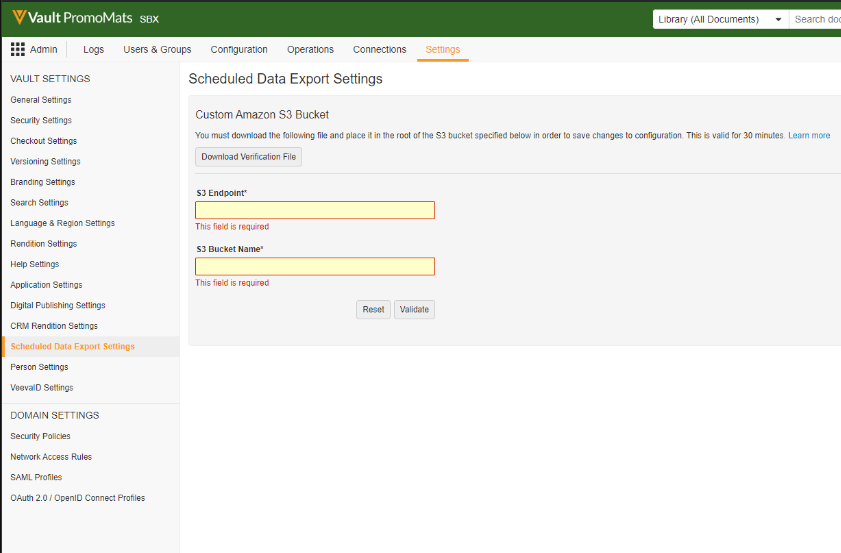
In order for Arcane to access the data it is required to set up a connection to the Arcane promomats import bucket. The required field. When the S3 bucket connection is being set up it is also necessary to validate the s3 bucket. The validation is done by handing over a generated validation file which needs to be uploaded by Anthill. The time for uploading the validation file needs to be coordinated with Anthill since the file is only valid for 30 minutes.
Environment Variables
|
Environment |
S3 Endpoint |
S3 Bucket Name |
|---|---|---|
|
development |
s3.eu-north-1.amazonaws.com |
|
|
sandbox |
s3.eu-north-1.amazonaws.com |
|
|
production |
s3.eu-north-1.amazonaws.com |
|
Setting up Scheduled Data Extractions
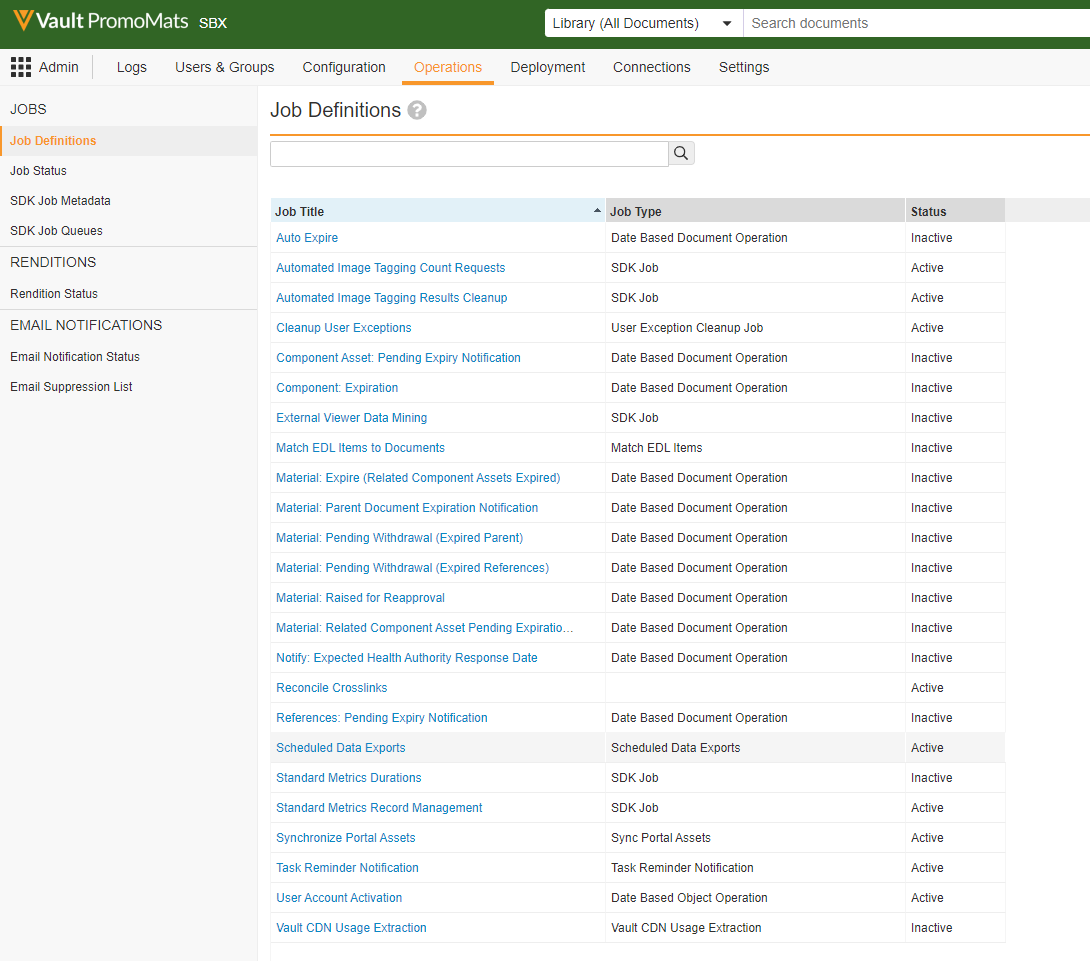
Select the Scheduled data extraction job in the Operations view of the admin panels.
Make sure the following fields are set:
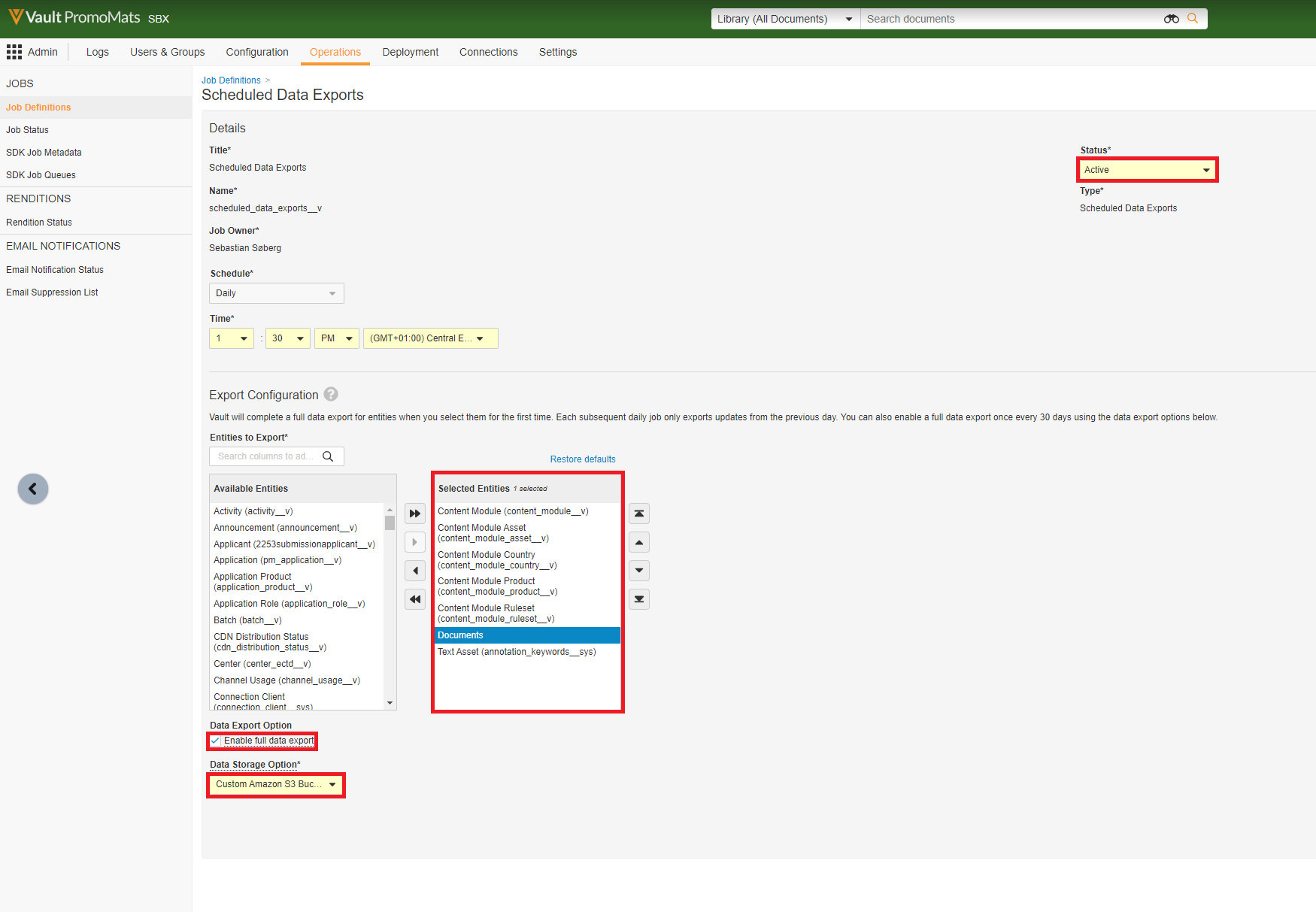
Entities to import
|
Entity |
Machine name |
|---|---|
|
Content Module |
|
|
Content Module Asset |
|
|
Content Module Country |
|
|
Content Module Product |
|
|
Content Module Ruleset |
|
|
Documents |
|
|
Text Assets |
|